Shoot Date- 24th February
Role- A Camera Operator
Production – KAMFilm
NOS- CTV12 Communicate and co-ordinate within a multi camera shoot
Performance Statements-
– P9 use appropriate signals or gestures when verbal communication is impracticable
NOS- CTV2 Set camera menus for portable single camera (PSC) operation
Performance Statements-
– P6 identify, select and correctly adjust the settings on the selected camera menu or sub-menu pages for the required output
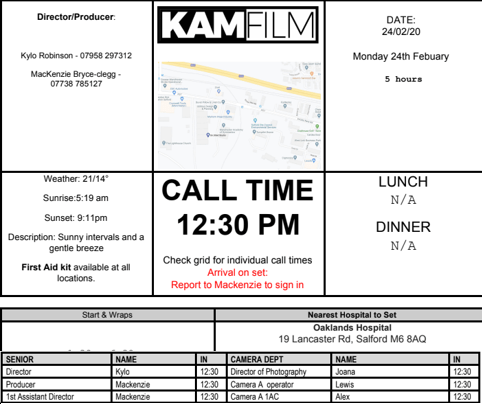


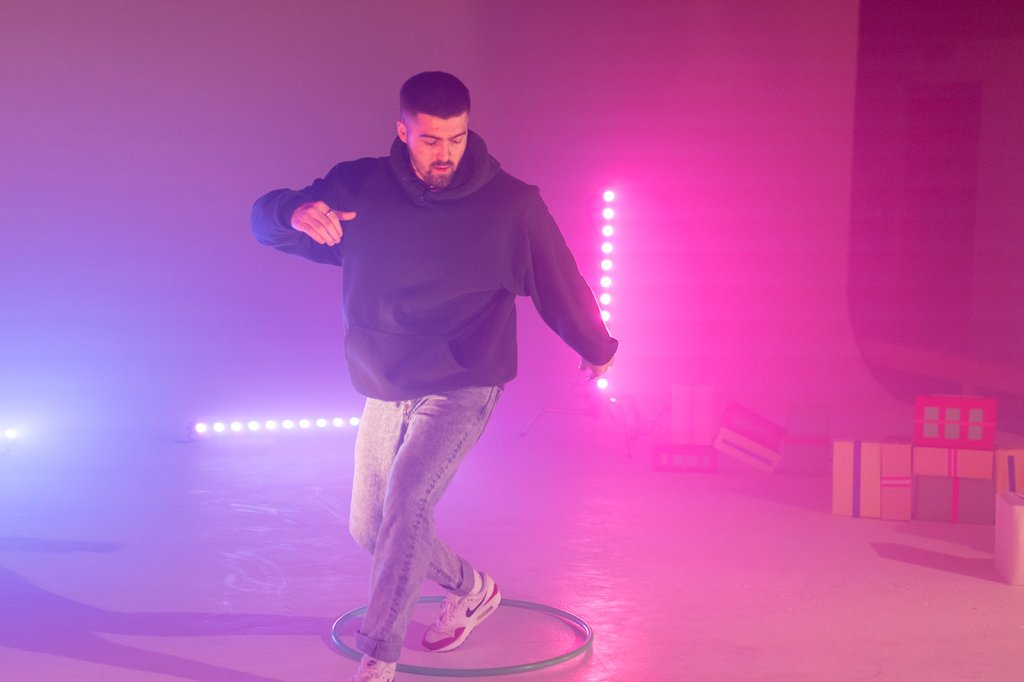
This JD Concept video, was shot for The ASH Company (ASH, 2020) a Manchester based dance company who I have worked for on many occasions via KAMFilm. The aim of this shoot was to capture some of their dancers, dancing with props which would later be given to the clothing/shoe company JD Sports (JD, 2020) as an idea they could use for one of their clothing range adverts. The idea being, dancers of different ages wearing their merchandise whilst dancing with the props.
Lens Flare TV…

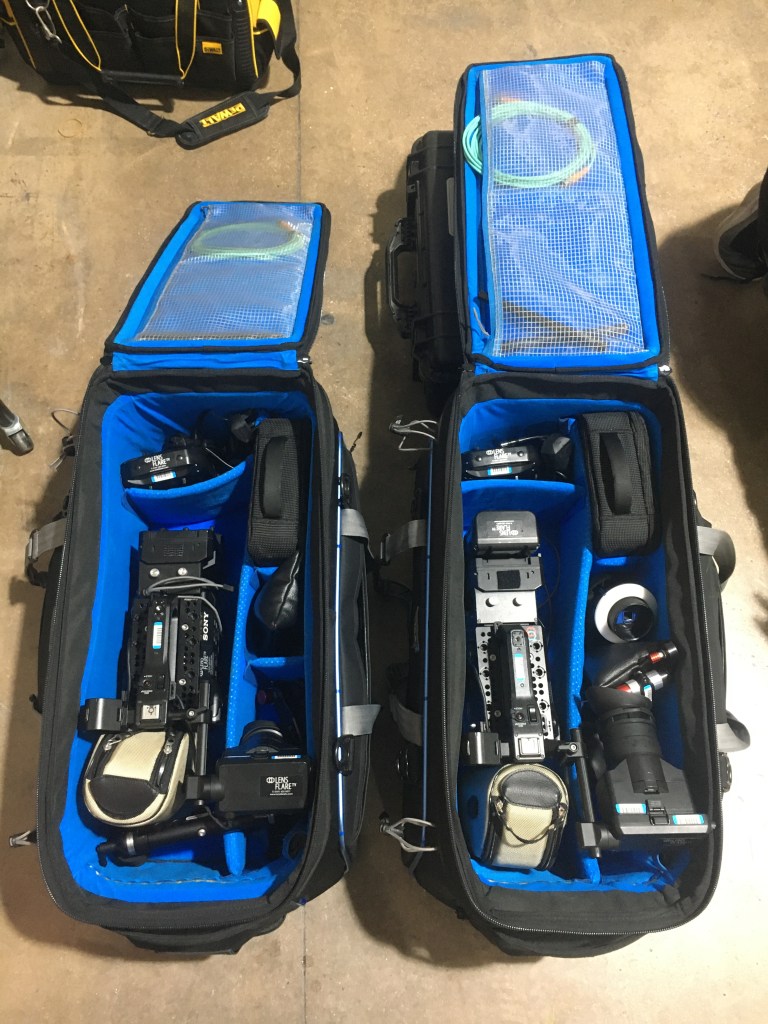
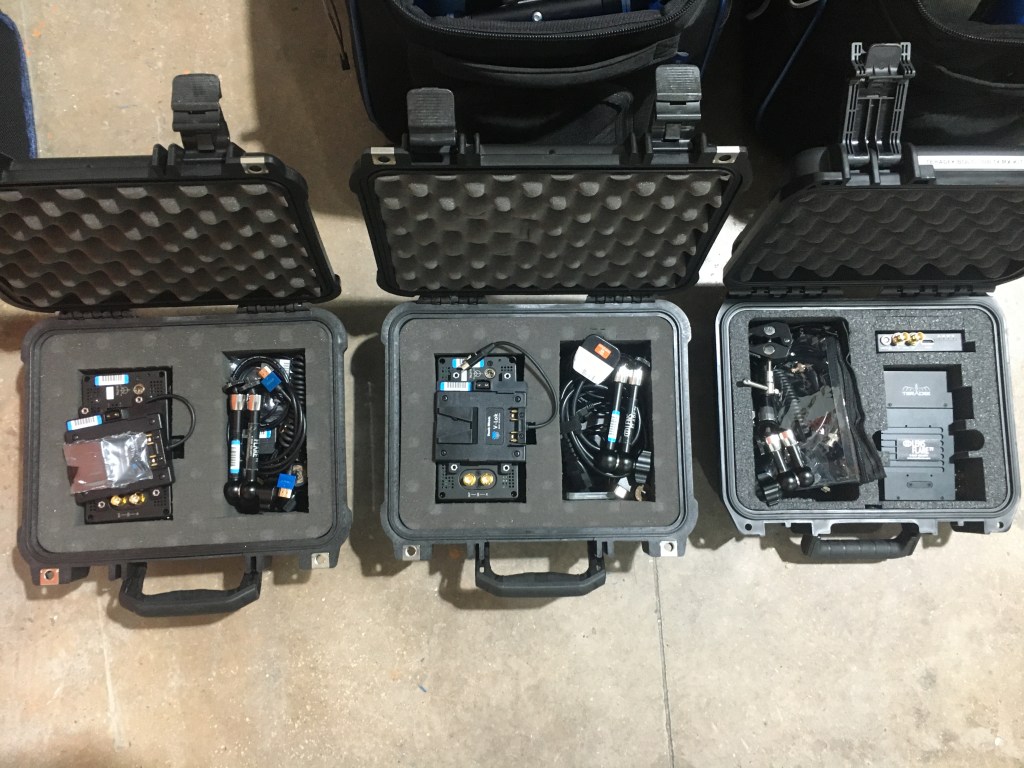
The Equipment was supplied by Lens Flare TV (LensFlareTV, 2020) a Manchester based Rental/Crew Hiring company who lie in the surrounding area of Salford Quays. I have worked with the guys down at Lens Flare before, having used their equipment on many shoots I have been on working for KAMFilm. However, this time it was different. Freelancers Simon Making and Daniel Spencer, who are part of the company announced on the day that they were going to be joining us on set with to observe how we work and to make sure that their equipment is being used correctly and being looking after by KAMFilm crew. (More information about LensFlareTV can be found in the ‘RKID‘ section of this website)
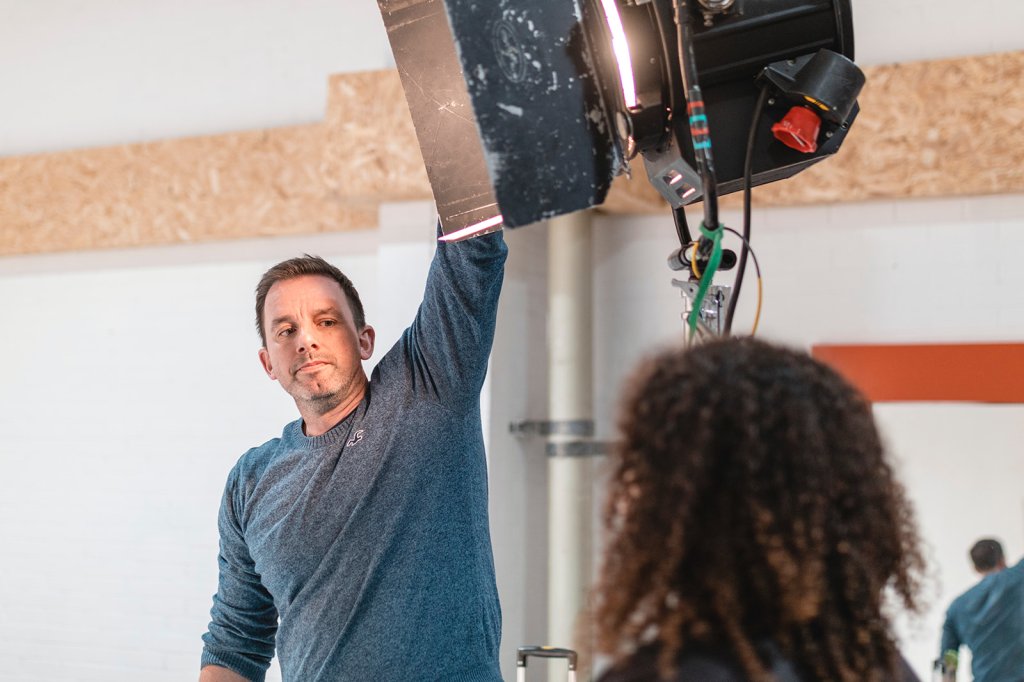
Simon Makin – DOP/Co-owner
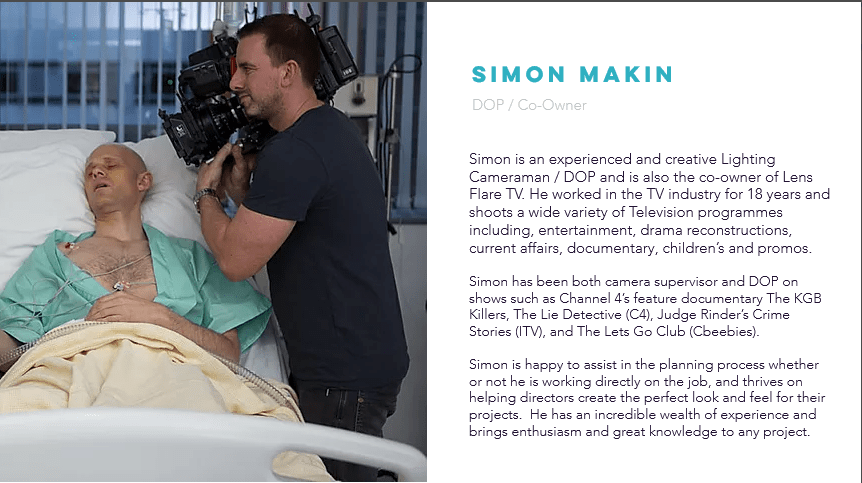
Simon Makin (IMDB, N.D), is the Director of Photography and Co-owner of the company LensFlareTV. He has had many years in the industry working within the camera department, producing most of his work as a DOP. His most recent project was the ITV hit show, Judge Rinders Crime Stories, in which he DOP’d all 9 episodes.
Daniel Spencer- Camera Assistant
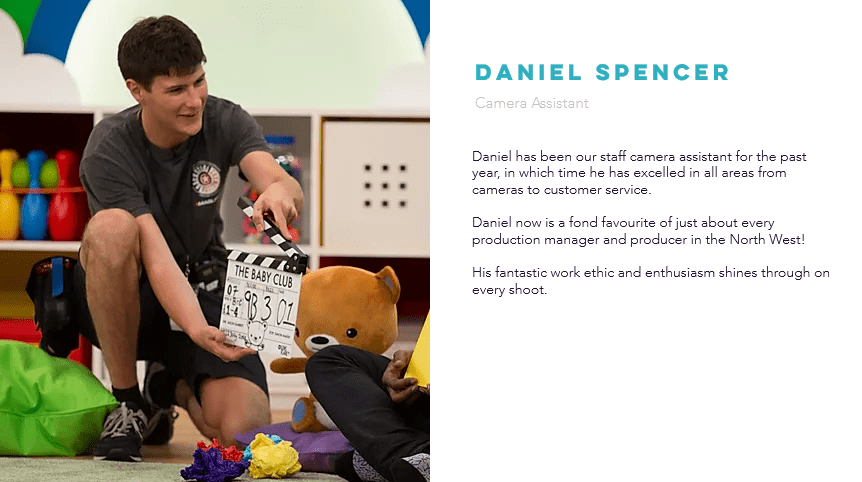
Daniel Spencer (IMDB,N.D), is one of many Camera Assistants who work for LensFlareTV. Since joining the company, he has worked on shows such as, Come Dine with Me and Baby Club, two well known daytime TV shows. He graduated from university, with a 1st class degree in Film Production Technology (BSc) and since then has been able to develop his learning and technical skills through LensFlareTV.
The Camera…
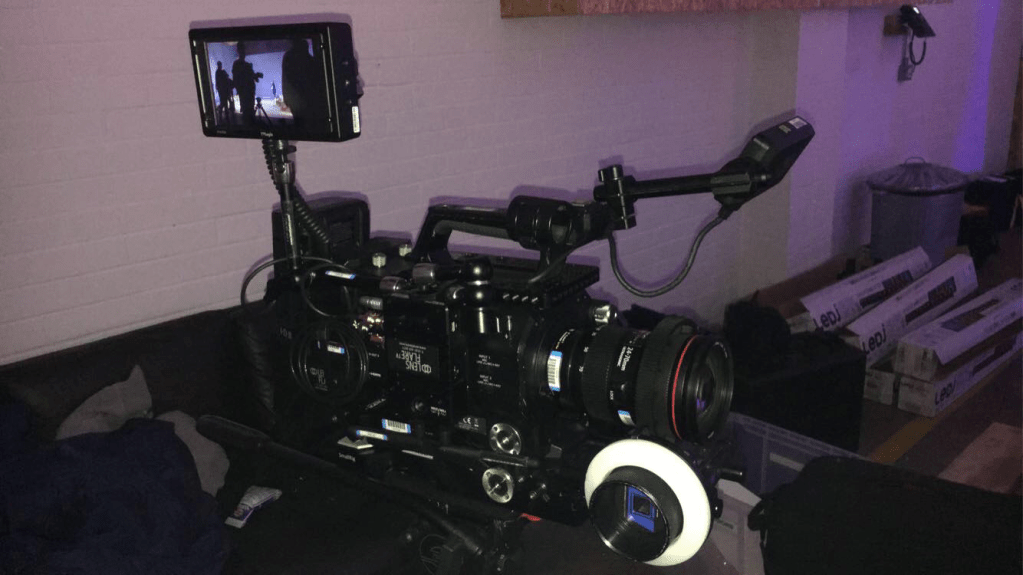
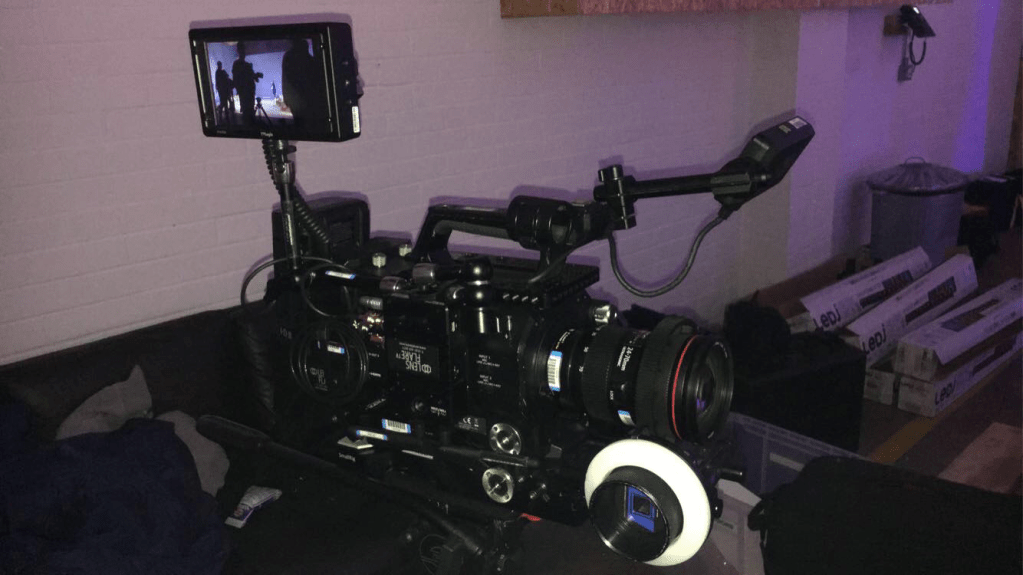
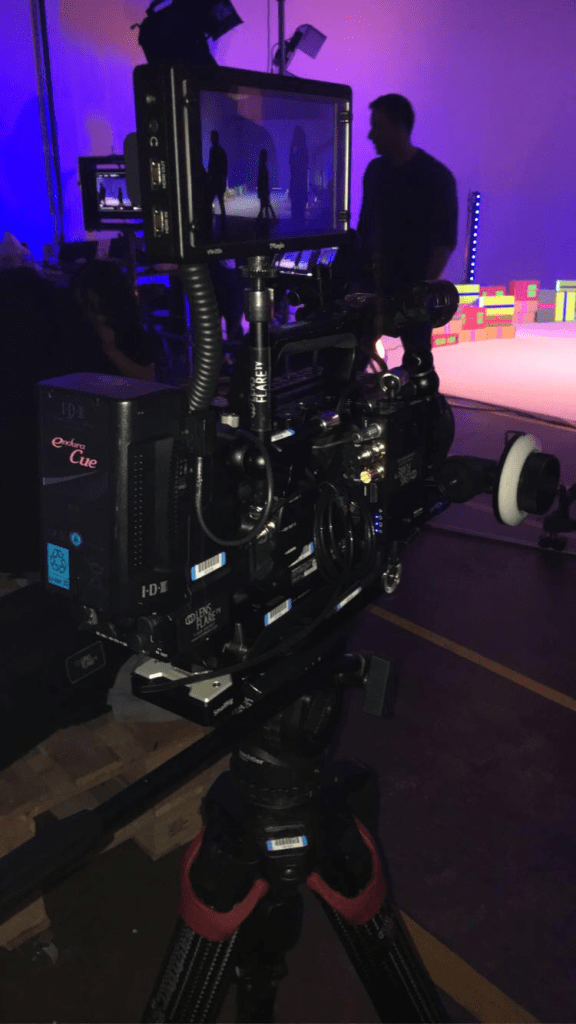
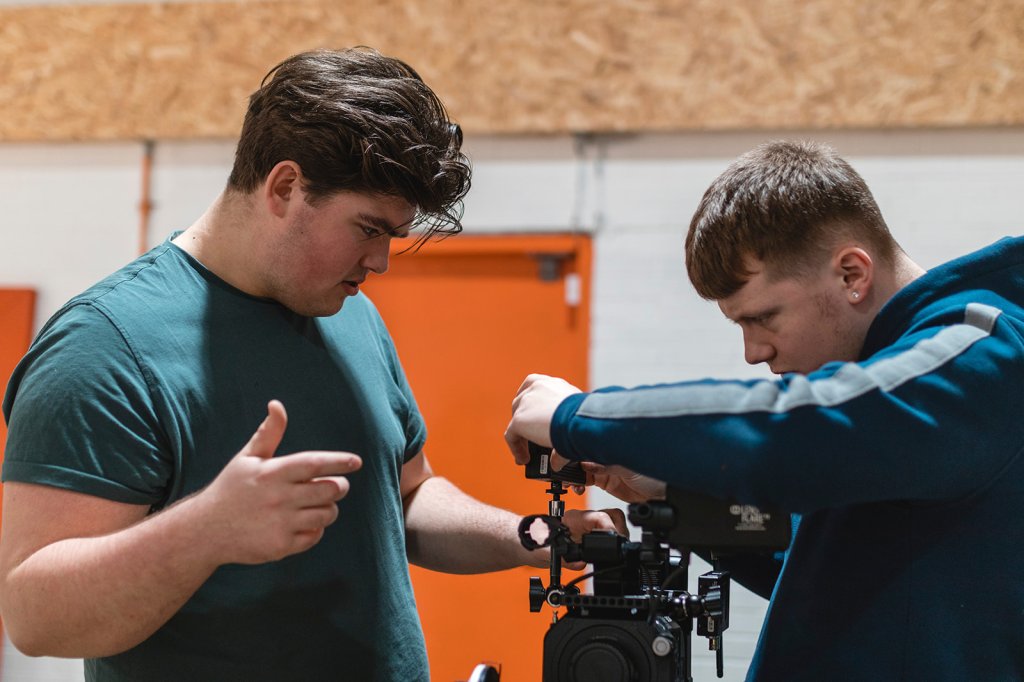
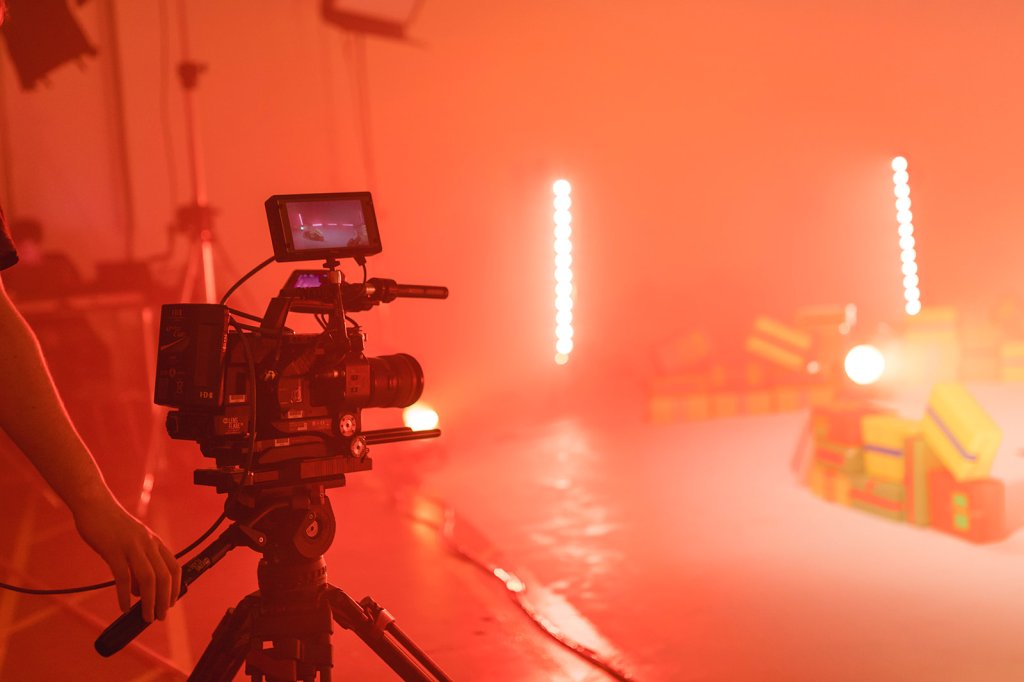
We were using x2 Sony FS7 MKII (Sony, 2020) which came to my advantage as rigging one of these cameras, was something I am rather good at. Over the last 3 years at The Manchester Film School, our main camera has been the Sony FS7, which meant that on this shoot I could impress Simon and Daniel with my understanding of the camera. I made sure that what I had learn back at the film school, I was demonstrating here today on location. Once the cameras and lighting were set up and given the go ahead, the pair could leave and we began with filming.
Back to the shoot…
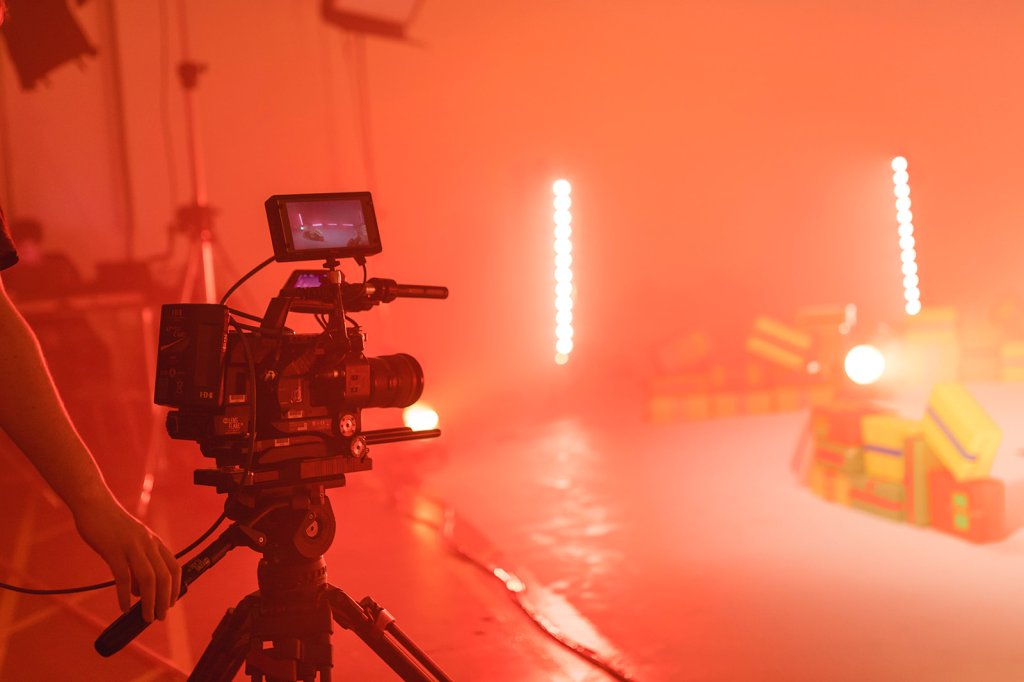
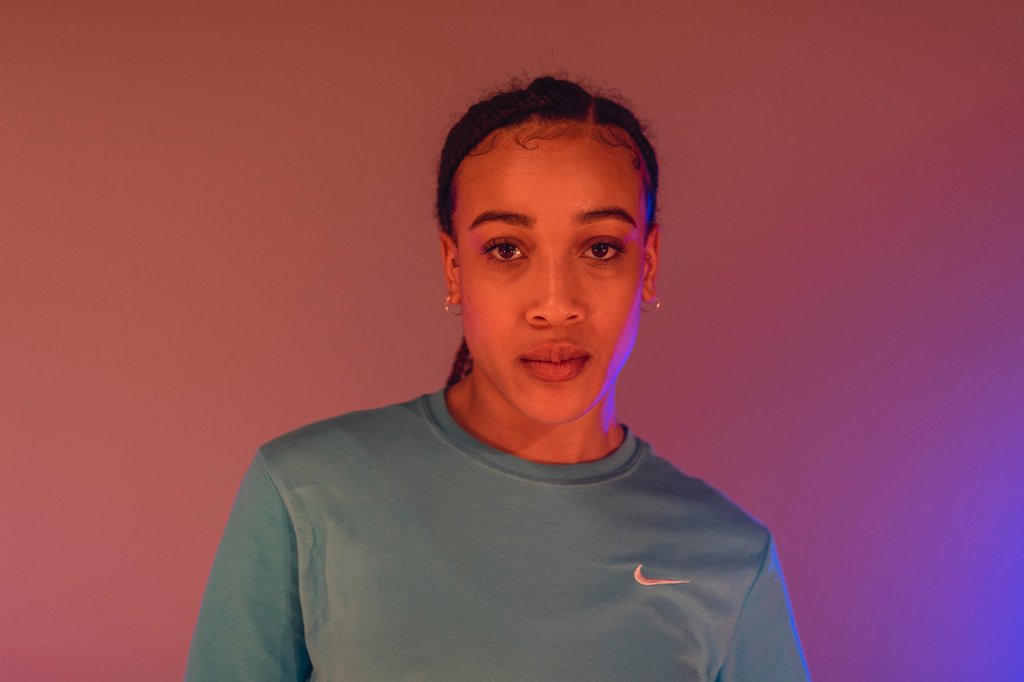
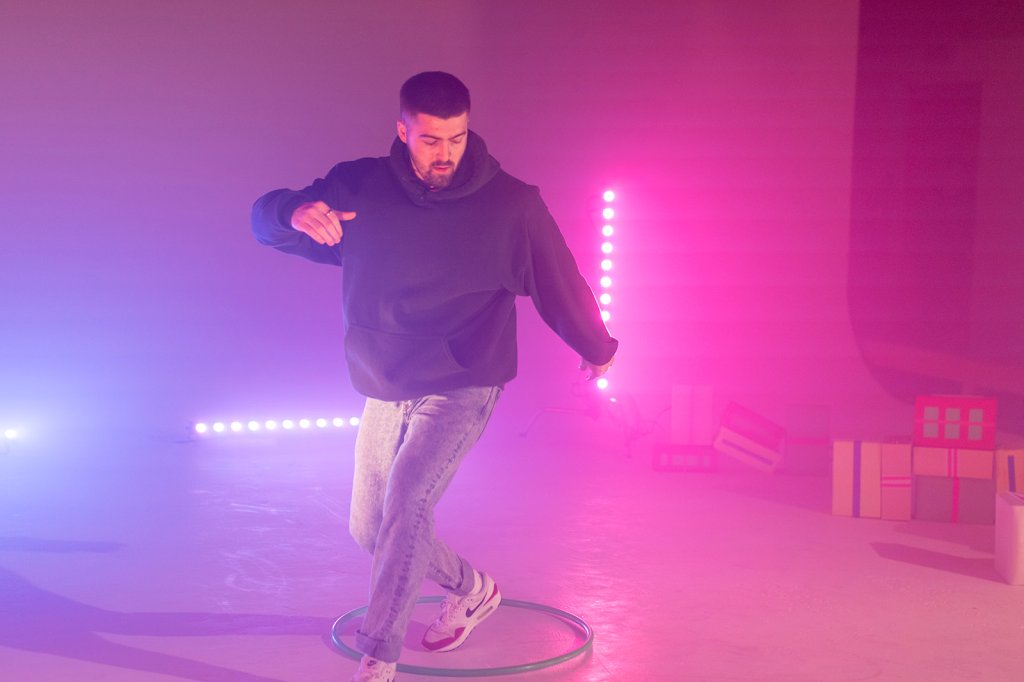
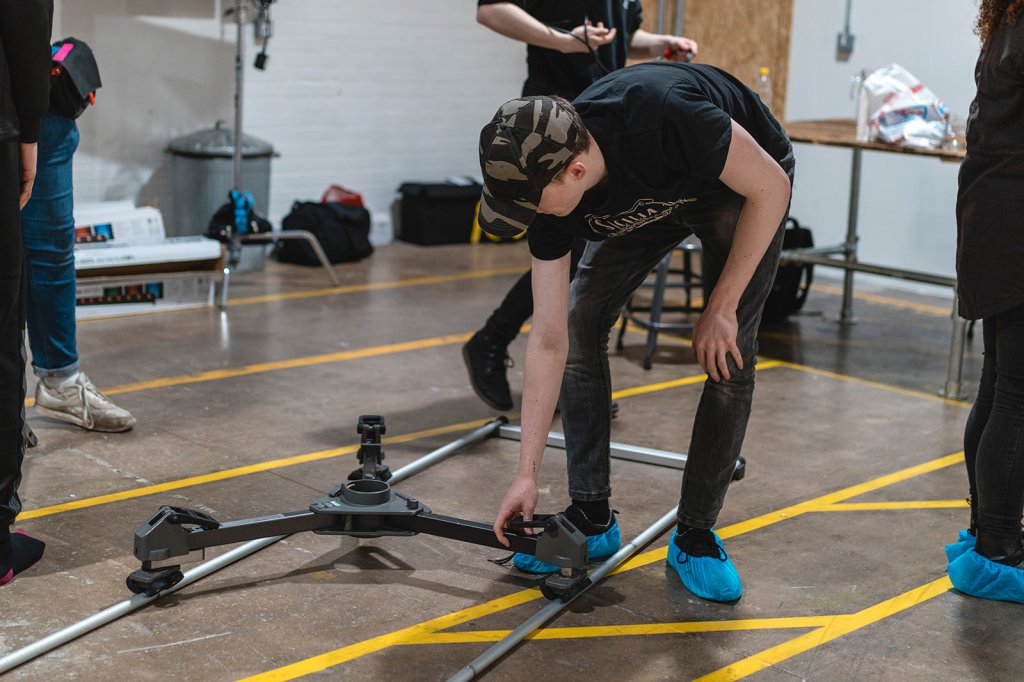
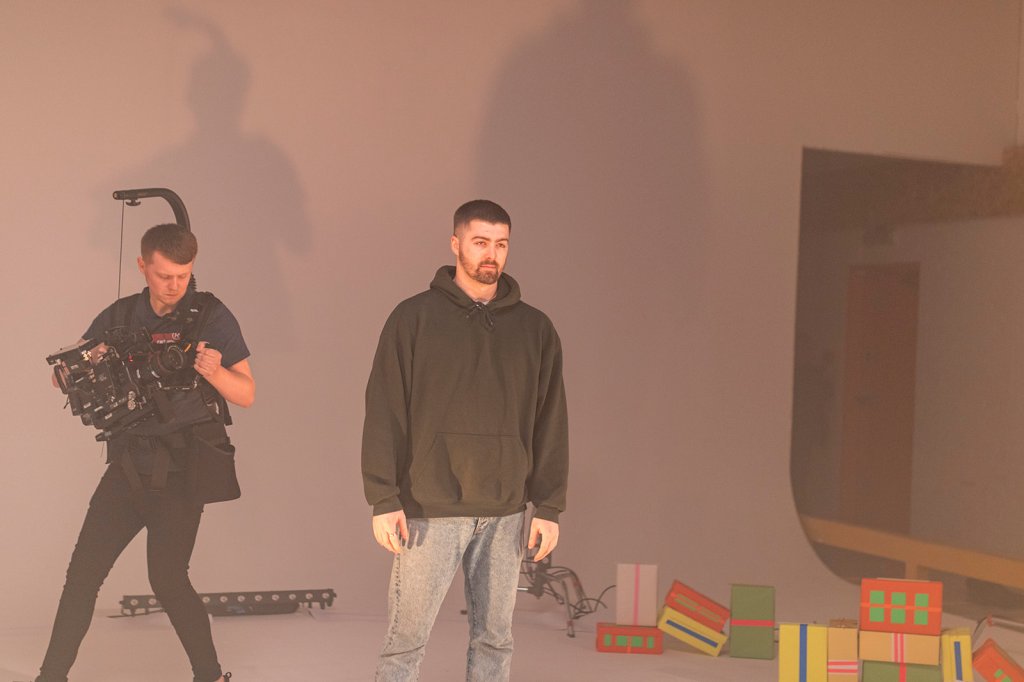
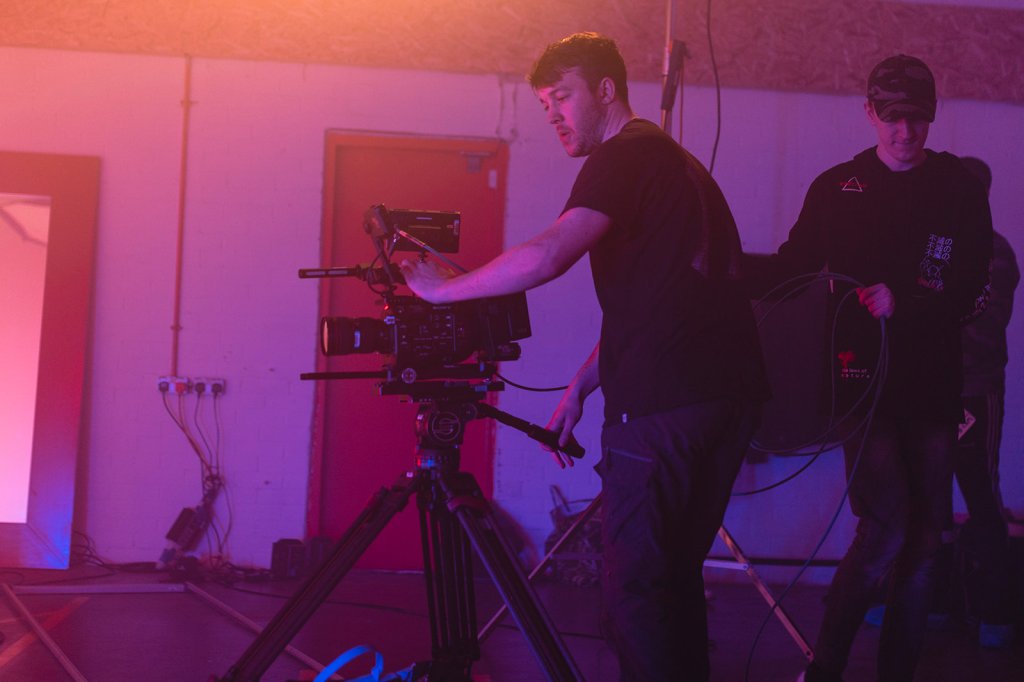
This shoot was a two camera set up which at first, was a little tricky considering where the DOP wanted us to be placed on set. A Cam (Alex and I) were on freehand via an Easy Rig (Easyrig, N.D) and B Cam (Freddie) was on sticks but attached to a Libec Track covering the wide shot. The problem occurred when Freddie, being on the wide, continuously caught me and Alex in his framing. We needed a quick solution to this problem and it came to me straight away.
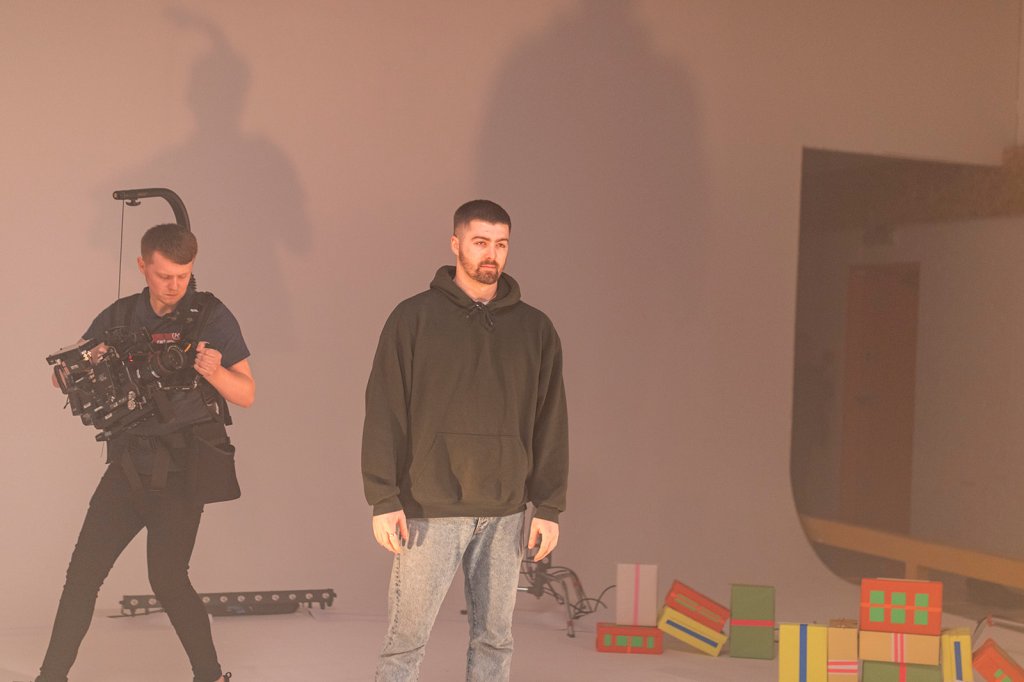
A CAM- Lewis Kyneston 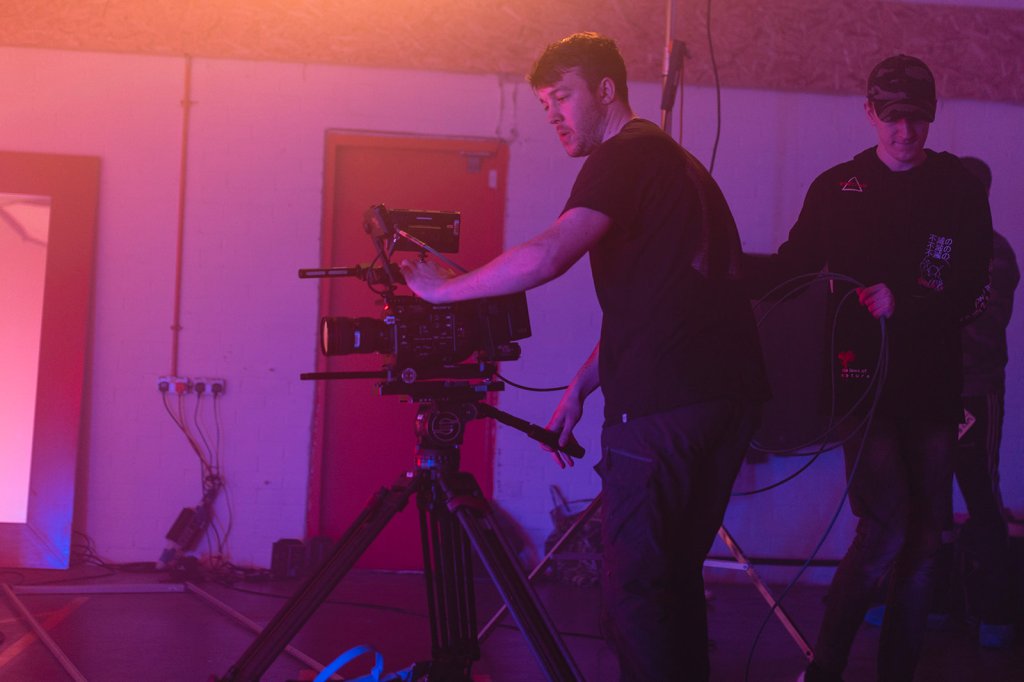
B CAM- Freddie Johnson
To overcome this problem we decided to work out a way of getting Freddie to one side of the Track whereby me and Alex would not be seen. This is the way we worked it…
– When Freddie would crab to one side of the track, it meant that I could push in closer to the talent, to capture my defining shots of faces and body gestures. When Freddie would crab to the opposite end of the track, I could pull out which meant that he could capture his wides easier, allowing me to experiment with different camera movements from the outside.
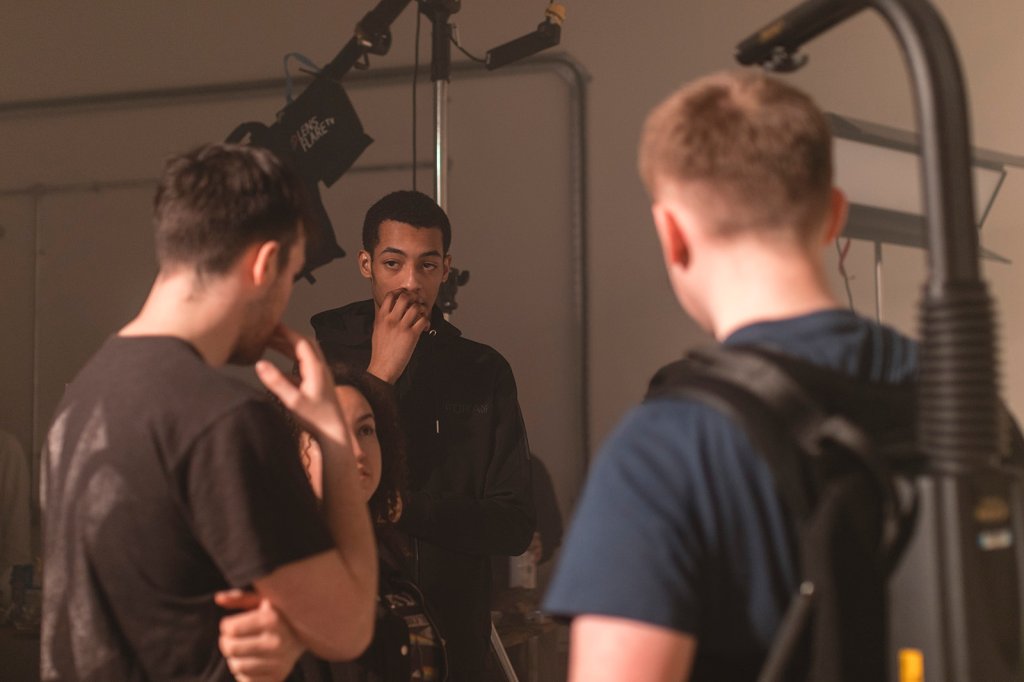
– The way in which we managed to communicate with each other was through hand gestures (P2 NOS). Even though we were not recording sound, we still decided that by shouting across the set to one another, it was not the best way of going about this as it could cause disruption to the talent and put them off. Alex and Freddie were able to give hand gestures to each other, which meant that both our timings were spot on and no one was caught in any of the framing.
In the book, The Camera Assistant, there is a section surrounding distraction to Directors and Actors. It says;
“It is Vital that the actions and movments of the Camera Assistant should not distract the actors from their performances.” (The Camera Assistant, 1995)
In our case, we were still able to communicate with others on set through hand gestures and signals. We knew that by doing this, the actors could still perform to a great standard without being distracted by anything going on outside of their line of vision. (APPENDIX 8)
Not Trending Comparrison
This shoot was similar to Not Trending, whereby we had a Multi Camera Set Up, however there was a difference in the types of shots we were capturing. Not Trending was basic and formal as we completed a standard three camera set up consisting of a wide and two side shots. In comparison to this shoot, I was able to be more creative with my operating due to the type of shoot that it was. I had an Easy Rig attached to my back which meant that the camera was stable even though I was throwing it around to capture the shots. I could make certain shots Dutch, a type of shot whereby the camera tilts onto an angle which adds that little more slickness to the final image.
Shooting at 100FPS
When we arrived on set I had a conversation with Simon and Kylo, whereby they told me that I was going to be shooting A Cam at 100 FPS as to 25. In the cameras menu’s(P6 NOS), S&Q mode (slow&quick) it set at 60 FPS. In order to raise this to 100, I had to make sure that my recording format and ouput was correct, which meant the camera would then allow me to raise it up to the selected number, 100.
The reason for shooting at a higher frame rate, was so that when put into the edit, we could mix takes between slow motion and fast paces to create that music video vibe. Had we been shooting at 25FPS throughout, the edits would have looked boring and simple to the audience. By shooting at 100FPS it gave us that freedom to be creative and to produce a more professional, stand out edit for the Ash Company to use for promotion to any potential buyers.
The video below is just one example of an artist we recorded. Keep an eye out for the slow motion I captured via the S&Q setting.
Sony FS7 S&Q Mode
The Sony FS7 allows you to shoot in S&Q (slow and quick) mode, varying its frame rates from 24 all the way to 240, depending on its recording format and external drive. In a video created by Sony, Alister Chapman (Sony, N.D) explains how you can shoot at different Frame Rates depending on your recording format, showing which formats allow you to shoot at certain Frame Rates on the camera. (Youtube, 2015)
In our case, we only wanted to be shooting at 1080p. In order for me to do this and raise out frame rate from 60 to 100, I had to set the recording format at XAVC-I, which enabled me to select an output of 1920x1080p. From here, I could then go back into the S&Q menu and raise its number to 100. Had I not selected the correct recording format, the camera would not have allowed me to adjust its frame rate from 60 as explained by Alister in the video above. Your recording format must match your recording output for this adjustment to be made.
W. Ashley Maddox- Sony FS7 fan
W. Ashley Maddox, a fan of the Sony FS7, shares his thoughts of the cameras high frame rate options. In an online article written to Newsshooter.com, Moddox says;
“One of the most exciting things about Sony’s new FS7 is the high frame rate options it has. Recording internally it will shoot a top speed of 60FPS in Ultra High Definition (3840P) and 180 FPS in High Definition (1080P)” (NewsShooter, 2015)
He goes onto talk about how he believes you can get the best out of your frame rate options on the FS7, explaining in detail other areas in the cameras menu’s that you can adjust, to increase your frame rate even more(APPENDIX 9)
 Industry Practice- Lewis Kyneston